Getting berlin303 on Your Mobile Device
We at berlin303 provide three ways to access our platform on mobile: Android APK download, iOS browser access, and responsive web app. Each path is secure and supports the same account, balance, and withdrawal options. Choose the method that works best for your device.
All three access methods use your same berlin303 account
Your balance, payment methods, and withdrawal history sync across Android, iOS, and web. Log in once and access all markets.
Installation steps for berlin303
-
Download the berlin303 app or open the web address
Android users download the APK file; iOS users open berlin303.id in Safari or Chrome; web-app users bookmark the responsive site.
-
Install or add to home screen
Android: tap Install and allow unknown sources if prompted. iOS: tap Share and select Add to Home Screen. Web: bookmark the page.
-
Open berlin303 and log in
Enter your username or email and password. If you do not have an account, tap Create Account and complete the registration form.
-
Start accessing markets and games
Browse football fixtures, live casino tables, slots, and esports markets. Deposit via DANA, e-wallet, mobile banking, or bank transfer to begin.
App vs Browser: What You Get on Mobile
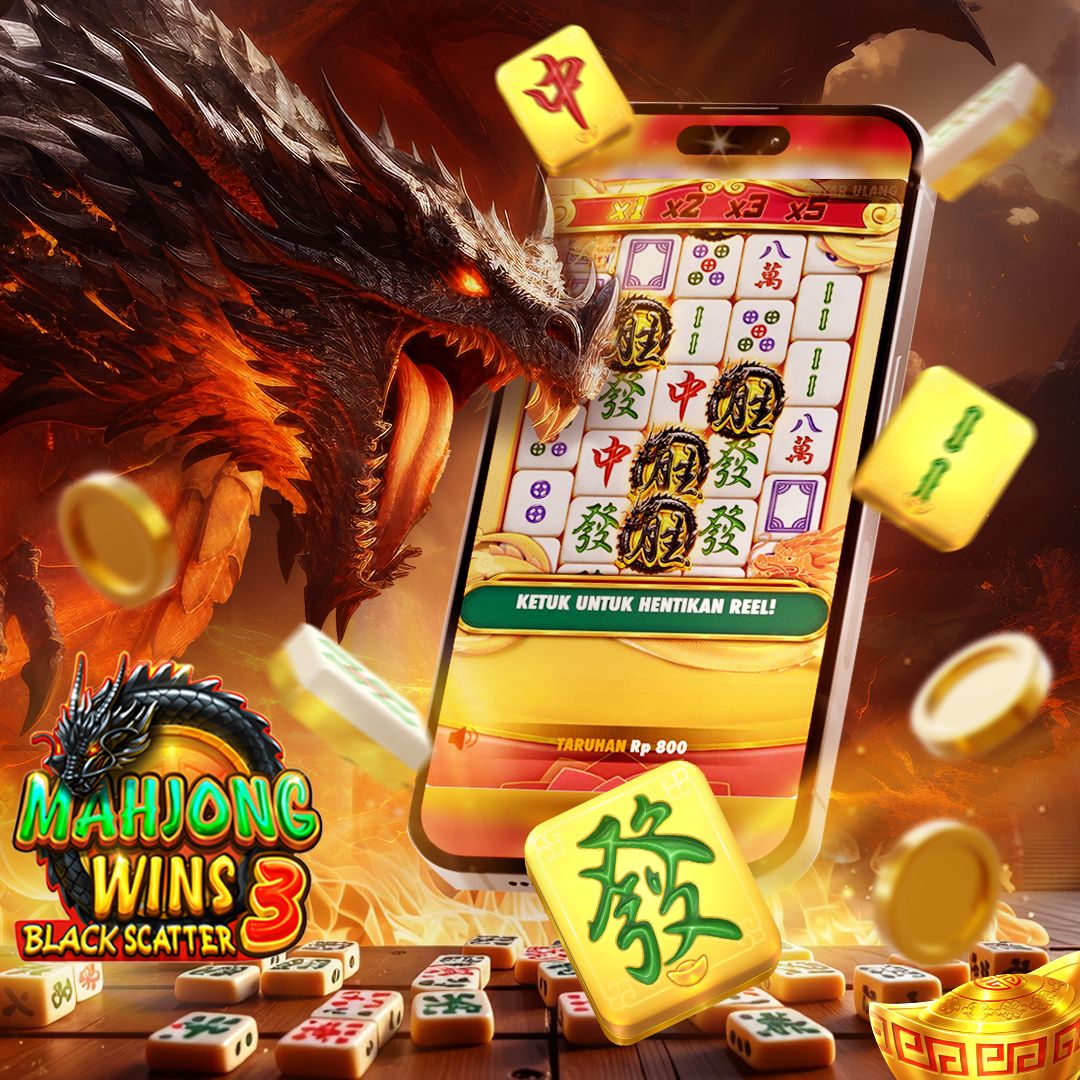
The berlin303 Android app offers offline cache, so you can view past results and account history without an internet connection. Push notifications alert you to game information changes and withdrawal confirmations. The app loads faster than the browser because it stores game data locally. iOS users access the same features through Safari or Chrome, with the web app performing similarly to the Android app. Both paths support two-factor authentication, encrypted login, and account recovery via email or phone number.
Device Compatibility and Requirements
We at berlin303 support Android 7.0 and later on phones and tablets. iOS users need iOS 12 or later to access the web app through Safari or Chrome. Your device must have at least 50 MB of free storage for the Android APK. Internet connection is required for game information, deposits, and withdrawals. Older devices may experience slower performance, but the app remains functional on Android 7 and iOS 12.
Troubleshooting Common Installation Issues
If you see an "Unknown sources" warning on Android, go to Settings > Security and enable Unknown Sources, then retry the install. If the APK does not download, check your internet connection and try again. iOS users who cannot add the web app to their home screen should clear Safari cache and restart the browser. If you forget your password, tap Forgot Password on the login screen and follow the email recovery link. If two-factor authentication is not working, disable it in your account settings and re-enable it with a fresh code from your authenticator app.

Data, Permissions, and Account Security on Mobile
The berlin303 app requests permission to access your device storage (for offline cache) and notifications (for game information alerts). We do not access your contacts, camera, or location. Your login credentials are encrypted and never stored in plain text. Your payment information is transmitted over SSL and stored on protected servers. When you log in, we verify your identity through two-factor authentication if enabled. Your account activity is logged and reviewed for fraud detection. If you lose your device, log in from another device and change your password immediately to secure your account.